Hey.
I always struggle using maps.openrouteservice.org to get a route from A to B. It is not very straightforward for me. Therefore, I would be glad if someone could tell me if there is a better way to use it.
Let’s say I want to get the route from Berlin Alexanderplatz to Hamburg Gänsemarkt. My steps are:
-
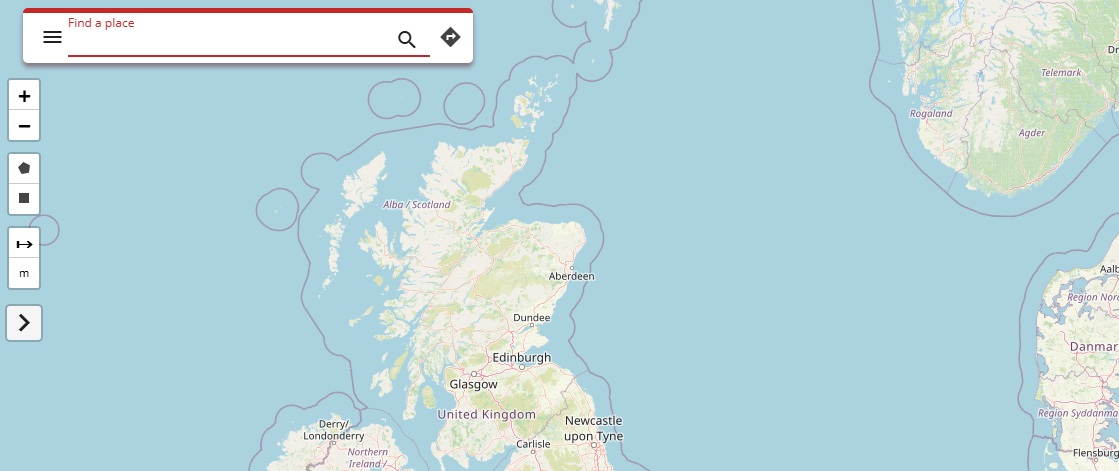
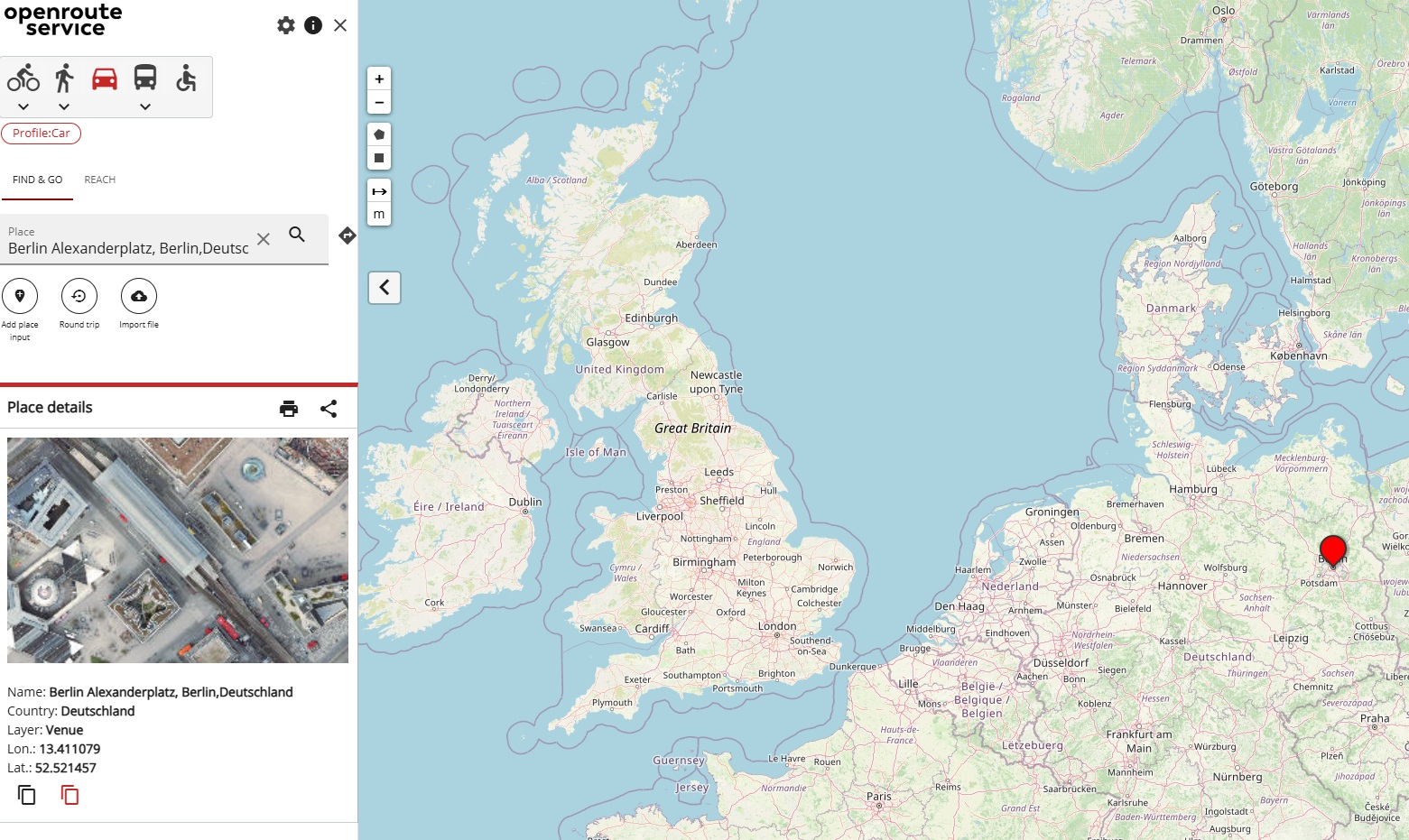
I open maps.openrouteservice.org in my Browser:
-
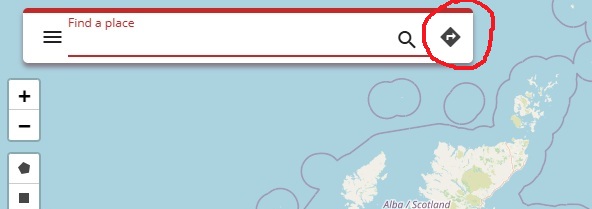
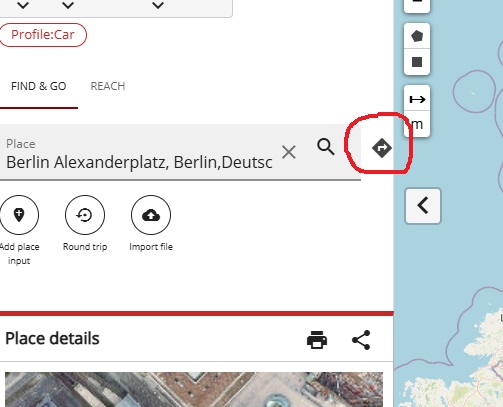
Then I already struggle and I don’t really know how to get my desired route. Usually, I click on the directions symbol because it looks quite similar to route-symbols of other websites:
-
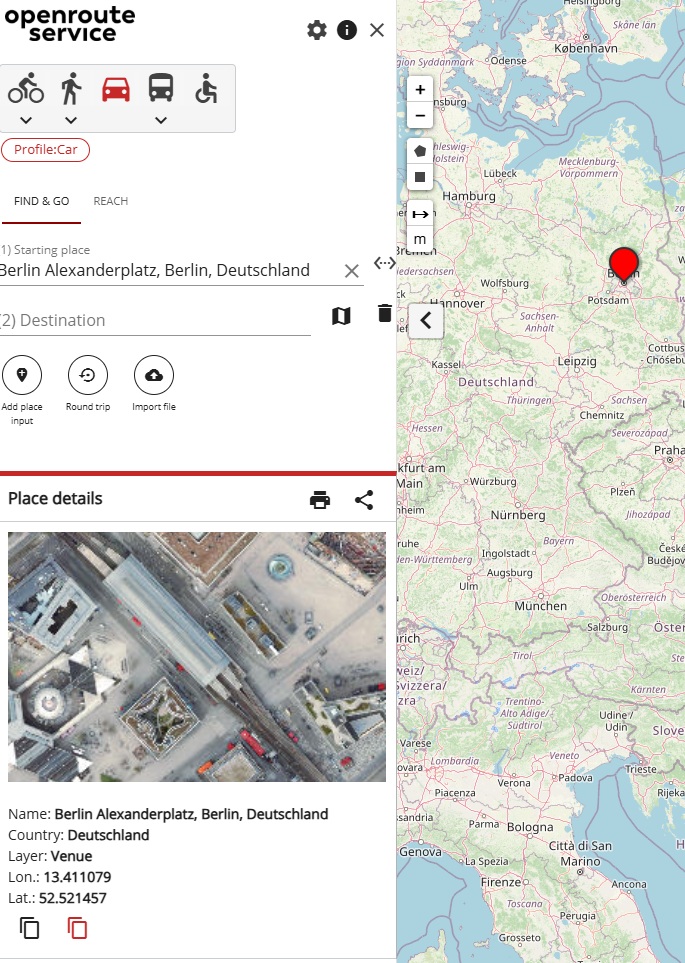
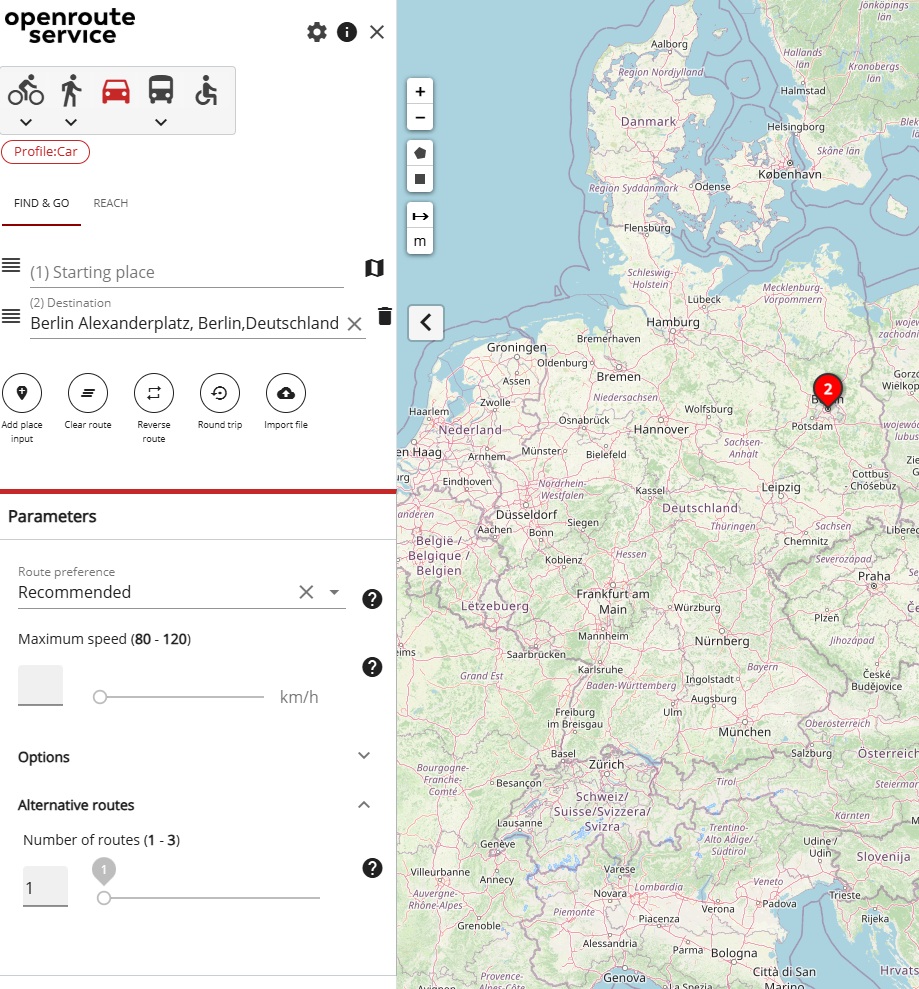
Then this window appears:
-
Ok. Looks good. So I type in my starting location (Berlin Alexanderplatz) and select it:
-
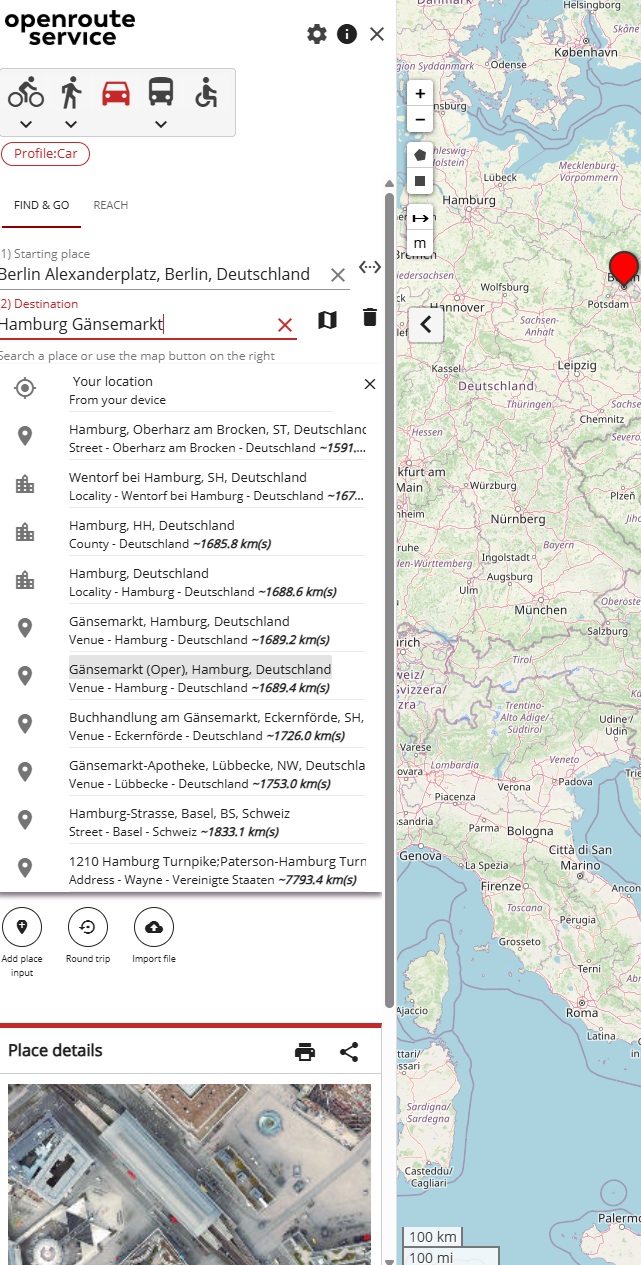
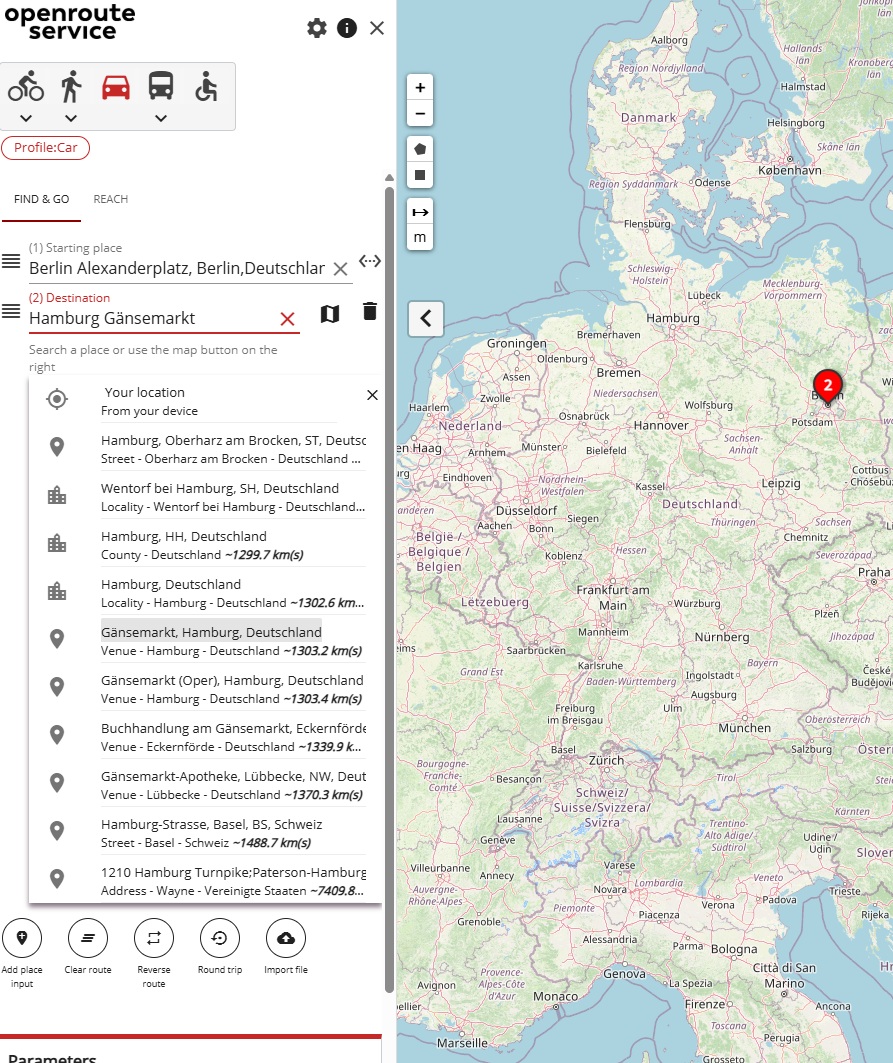
Ok. Good. Now I type in my destination (Hamburg Gänsemarkt):
-
My expectation now is that as soon I select my destination, it gives me the route on the map. But as soon as I select the destination, it shows me this:
-
I’m confused. So I again click on the direction symbol:
-
I get this window where Berlin is the destination and Hamburg is gone:
-
So I first drag Berlin back to the top position:
-
And then I try Hamburg Gänsemarkt again as destination:
-
And as soon as I select it, it works and shows me the route:



What is my mistake? Why isn’t this working already at step 6?


